Cockpit
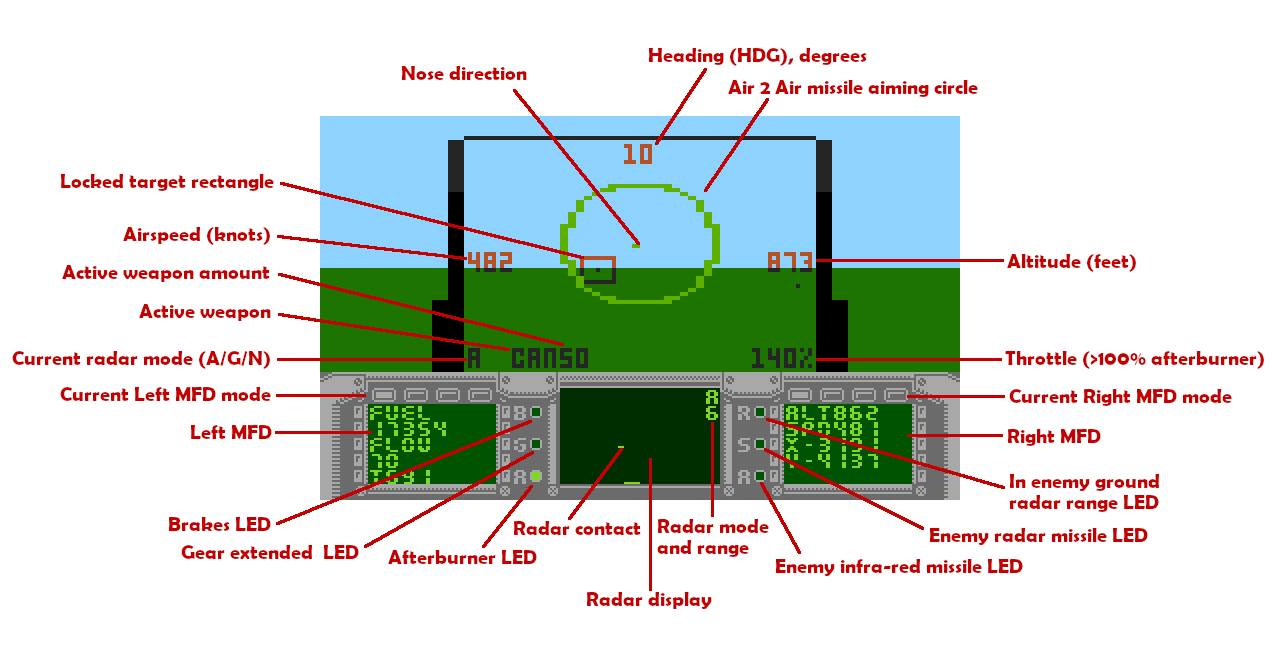
Left MFD modes
To change left MFD mode press 1 or , key.
Left MFD mode 1: FUEL CONSUMPTION
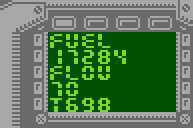 Remaining fuel amount.
Fuel burn rate.
Mission time.
Note that fuel parameters are recalculated periodically with some delay.
Left MFD mode 2: WEAPON AMOUNT
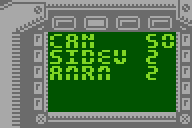 Air or ground (depending on currently active radar mode) available weapons amount.
Left MFD mode 3: COUNTERMEASURES AMOUNT
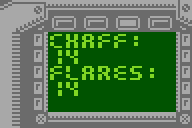 Amount of decoys. Chaff are used agains enemy radar guided ground to air missiles and Flares agains enemy air to air missiles.
Left MFD mode 4: DAMAGES
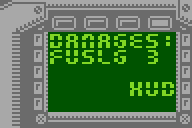 Fuselage integrity (remaining hit points) and list of plane's damaged subsystems.
Right MFD modes
To change right MFD mode press 2 or . key.
Right MFD mode 1: POSITION
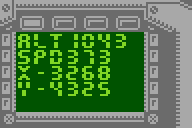 Flight parameters - altitude, speed, coordinates relative to the "bullseye".
Right MFD mode 2: TARGET TRACKING
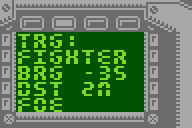 Currently locked air or ground (depending on currently active radar mode) target,
bearing to target in degrees, negative values mean target is to the left from your aircraft nose.
Distance to the target:
Far distances are marked with "M" unit suffix, distances nearer than 1M are ranged 0-256 and displayed without unit suffix.
Identification Friend or Foe (IFF).
Note that as distance requires radar signal and IFF require data transmission
they are updated periodically with some delay.
When radar is turned off NO RADAR is displayed.
When no target is locked NO TRGT is displayed.
Right MFD mode 3: ORIENTATION
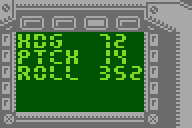 Plane's spatial orientation - heading, pitch, roll.
Right MFD mode 4: AERODYNAMIC PERFORMANCE
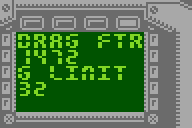 Flight performance information - drag factor (depends on amount of weapons and fuel tanks mounted).
Max G limit factor (depending on amount of weapons and fuel) enforced by FCS.
Since version 1.5.0 second number denotes sustained cumulative g-force.
Onboard radar
Fighter's radar modes can be switched using R key - cycling between:
- N - Nav (radar off).
- G - Air to Ground (tracking ground targets).
- A - Air to Air (tracking air targets).
Radar range can be changed using Z and X keys.
Currently locked by radar target is put in rectangle on HUD (or between 2 lines when Sidewinders wepon is active and they cannot lock on target).
Information shown on Right MFD mode 2 depend on currently selected radar mode.
Radio
At the bottom of the screen you will often see text transcription of radio messages you receive and also your own messages - often related to given weapon type release. You can recall last message by pressing Space key.